Key takeaways
-
Modern office floor plans focus on supporting employee well-being, productivity, and hybrid work—going beyond aesthetics alone
-
Effective layouts enable new ways of working, including activity-based work, agile teams, and flexible seating models
-
Data-driven planning—using space utilization and workplace analytics—is essential for designing floor plans that can adapt over time
-
The most successful floor plans are tested, iterated, and refined through scenario planning, intuitive navigation, and ongoing employee feedback
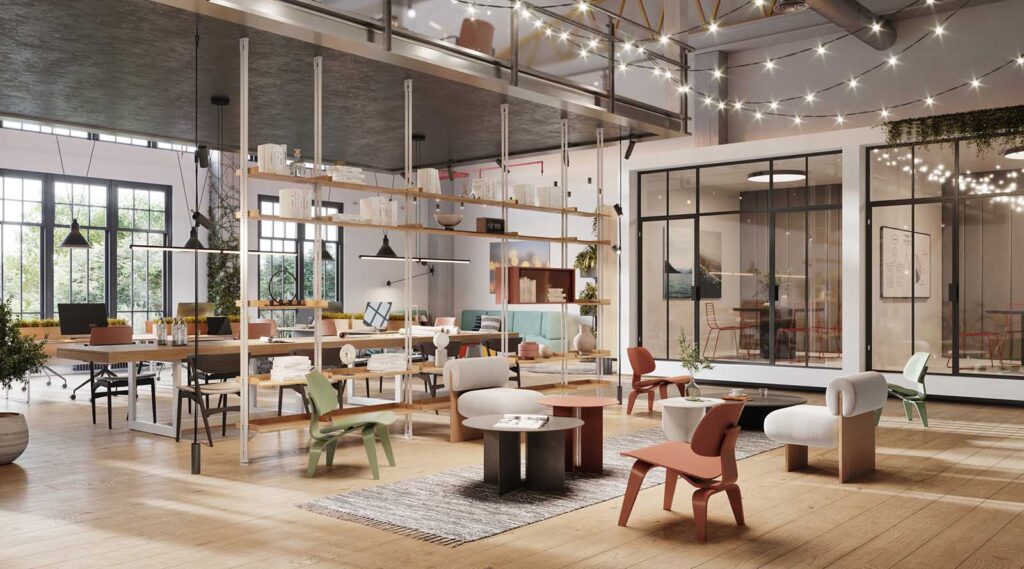
Modern office floor plans are about far more than furniture, color schemes, or aesthetics. Today’s workplaces must support hybrid work, evolving employee expectations, and data-driven decision-making.
While interior design will always matter, modern office floor plans focus on creating layouts that actively support how people work—improving productivity, collaboration, and overall employee experience.
In this article, we explore what defines a modern office floor plan, share real-world layout examples, and walk through a practical, data-driven approach to designing a workspace that’s ready for the future.
Modern offices need modern office floor plans
It’s easy to think the “where to work” debate is a recent development. The reality is that office design and layouts have been in flux since the 1960s. This is when open offices started to rise in popularity.
Today, of course, concerns about office layout and the office environment have more to do with creating work areas that better serve the needs of both employees and employers. This is a task which is inherently complicated by the rise in hybrid work. Hybrid is quickly becoming our default way of working.
For this reason, modern office design tends to focus on creating bespoke offices that enhance wellness and productivity. They also improve the hybrid workplace and employee experience.
And even more traditional offices have to consider how best to maximize their real estate portfolio. All while also designing around employee behavior.
Thankfully, a variety of different work environment types have emerged to help address these concerns. These types also ensure the physical office continues to support meaningful and effective work.
Specifically, modern office floor plans often have to accommodate new ways of working.
People are the single most important asset to every organization, yet many of today’s offices aren’t designed to support their needs and activities.
Mindy Koschmann, Herman Miller
5 examples of modern office floor plans
A truly modern floor plan isn’t one-size-fits-all; it’s purpose-built for your organization’s unique culture, work styles, and business goals. Understanding the primary layout options is the first step toward creating a space that empowers your teams.
Increasingly, organizations are utilizing AI-powered insights to determine which office floor plan models best suit their workforce. By analyzing space utilization patterns, hybrid attendance data, and employee behavior, teams can move beyond guesswork and choose layouts that align with how the office is actually used—not just how it was designed on paper. Here are 5 examples of modern floor plans:
1. The Hybrid Hub Layout
This model combines traditional office elements with flexible, unassigned spaces to support a workforce that splits time between the office and home. It’s less about where people sit and more about providing a central hub for connection.
- Core components: A mix of reservable private offices, “hot desking” zones, collaborative lounges, and tech-enabled conference rooms designed for seamless video conferencing.
- Best for: Organizations that have formally adopted a hybrid work policy and need a physical space that prioritizes in-person collaboration and strengthens company culture.
2. The Agile / Activity-Based Working (ABW) Layout
The ABW approach provides a variety of purpose-built “zones” for different tasks, empowering employees to choose the environment that best suits their needs at any given moment. This layout is built on the principles of trust and autonomy.
- Core components: Quiet zones for focused work, open areas with whiteboards for brainstorming, informal “huddle rooms” for quick syncs, and social spaces for breaks.
- Best for: Dynamic, project-based companies and tech firms where cross-functional collaboration is constant and employees perform a wide range of daily tasks.
3. The Team-Based Neighborhood Layout
Instead of grouping employees by department, this layout organizes them into “neighborhoods” based on teams or projects. Each neighborhood contains the diverse mix of workstations and resources that specific team needs to succeed.
- Core components: Dedicated team zones with a cluster of desks, project rooms, storage, and informal meeting areas, reducing the need to book separate meeting rooms.
- Best for: Larger organizations looking to create a “small company” feel, improve team cohesion, and reduce the time employees spend moving between different areas of the office.
4. The Cellular (Private Office) Layout
The most traditional approach, the cellular layout, provides each employee or small group with a private, enclosed office. While it fell out of favor with the rise of open-plan designs, it’s seeing a resurgence for roles requiring deep concentration or confidentiality.
- Core components: A series of individual offices connected by corridors, often supplemented with shared central facilities like kitchens and large meeting rooms.
- Best for: Legal firms, financial services, and businesses where privacy, confidentiality, and noise reduction are paramount to productivity.
5. The Modern Cubicle Layout
This isn’t your parent’s cubicle farm. The modern iteration uses lower partitions, glass panels, and strategic grouping to foster a sense of openness while still providing a degree of personal space and acoustic control.
- Core components: Workstations defined by three partitions, often with ergonomic furniture and integrated storage, balanced with nearby collaborative zones.
- Best for: Companies that need to balance the collaboration benefits of an open plan with employees’ need for focus, making it a versatile choice for a wide range of industries.
Your 5-step guide to creating a data-driven floor plan
1. Analyze your space and people data
Before moving a single wall, you need to understand how your space is actually being used. Assumptions are costly. Rely on workplace analytics to gather real-time data on peak occupancy rates, which departments come in most often, and which types of spaces (desks, meeting rooms, collaborative areas) are in high demand versus which sit empty.
- Action: Leverage tools that provide accurate space utilization data. An integrated platform like OfficeSpace’s Workplace Intelligence can pull information from sensors, badge swipes, and booking data to give you a complete picture of your workplace dynamics.
2. Define functional zones and work styles
With data in hand, you can map out your floor plan based on need, not guesswork. Instead of assigning desks department by department, think in terms of functional zones that support different work styles. Does your data show a high demand for quiet heads-down work? Dedicate a zone for that. Do teams spend most of their in-office time collaborating? Design dynamic project hubs.
3. Model and test with scenario planning
Major layout changes are expensive and disruptive. Mitigate risk by using technology to model different floor plan scenarios before committing. A robust Scenario Planning tool allows you to create and compare multiple layouts, visualize department restacks, and project future headcount needs. This lets you test hypotheses and see the impact of potential changes on your real estate portfolio without any physical disruption.
Modern scenario planning tools now use AI to help organizations forecast space needs, compare layout options, and understand the impact of change before committing to physical redesigns.
See how OfficeSpace is applying AI to space planning following its acquisition of Dojo AI.
Delivering an office design that optimizes productivity, while breeding innovation is not an easy task. It requires strategic focus and inspiration driven by how employees interact in the space. And also by future projections for work and culture.
Tiffany Hanken, Tiffany Hanken Design
4. Prioritize seamless navigation and booking
A great floor plan can be rendered useless if employees can’t find the people or spaces they need. This is especially true in flexible, hybrid environments. Your design must be supported by intuitive wayfinding and booking systems.
- Action: Implement a cloud-based Visual Directory that provides a real-time, interactive map of the office. When integrated with desk and room booking software, employees can instantly locate colleagues, find available workstations, and book a space directly from their mobile device or laptop.
5. Solicit feedback and iterate accordingly
A modern floor plan is never truly “finished.” It’s a living ecosystem that should adapt to your company’s evolving needs. After implementing your new design, establish a continuous feedback loop. Regularly survey employees to understand what’s working and what isn’t, and keep monitoring your workplace analytics to spot new trends and opportunities for optimization.
If employers want to make the open-office model work, they have to take measures to improve work efficiency.
Lindsey Kaufman, Washington Post
What makes an office layout ‘modern’?
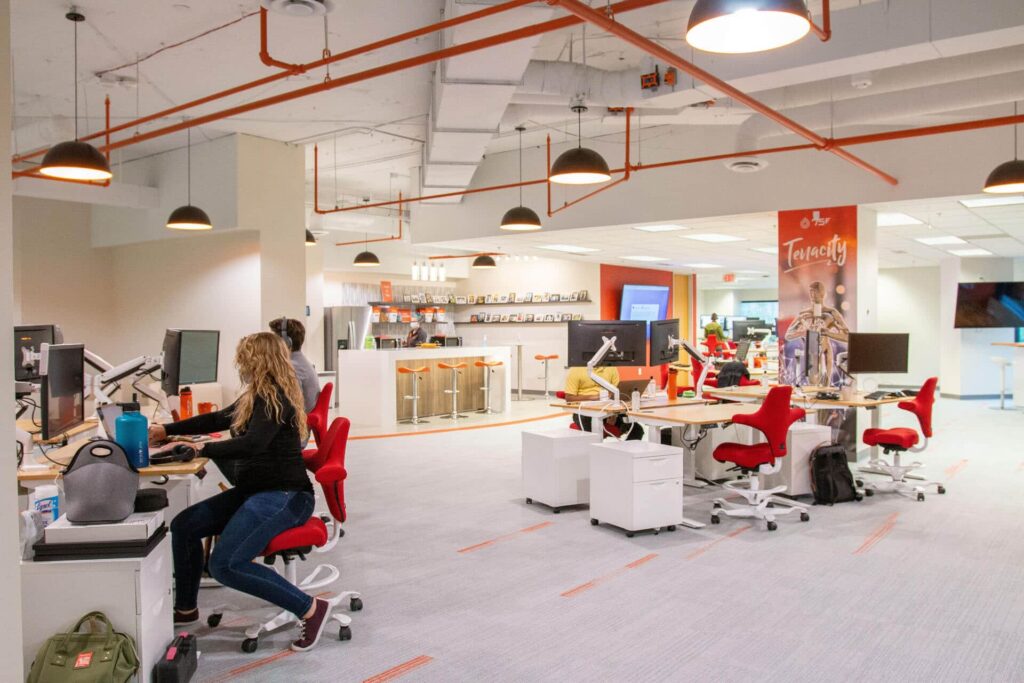
Open-plan offices are by far the most common type of co-working office currently being used today. In fact, about 70% of American offices have adopted open floor plans.
That said, studies have demonstrated what we all know intuitively. For all their benefits, open floor plans can also be quite distracting, leading to more stress and less productivity at work.
That’s why creating a modern office layout isn’t just about blindly creating an open space. It’s about creating an inviting and open space that encourages meaningful collaboration. At the same time, it needs to have ample quiet and ergonomic workstations or private offices for quiet, focused work.
Building in spaces where occupants can make quiet phone calls, complete heads-down work with ease and maintain some measure of workplace privacy goes a long way toward ensuring workplace satisfaction.
Janelle Penny, Buildings
Office layouts can and should vary from office to office. A truly modern office layout is one that is fit for purpose. I.e., one that is designed around what employees actually need and how they actually use the office.
What office layout is the most popular?
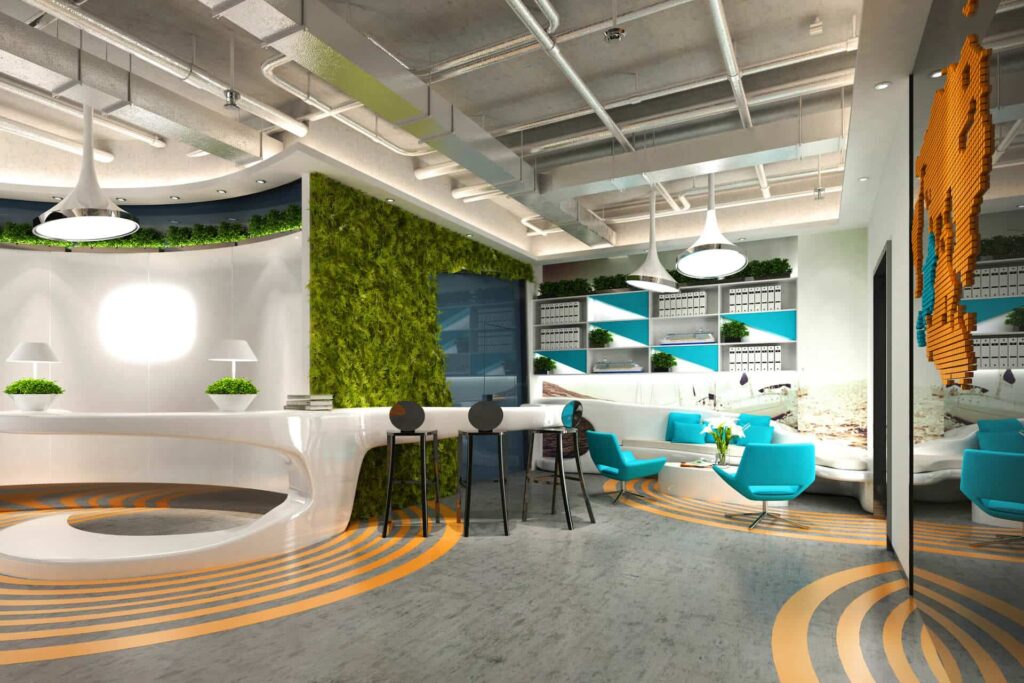
While an open office layout is currently the most popular, it’s not necessarily the top choice for employees due to some of its drawbacks. That’s because employees don’t just need fancy, magazine-worthy workspaces. They need workspaces that suit the work they need to do.
So while the open office layout is the most common, the most popular layouts among employees will be those that consider all their needs and build around them.
Whether you’re managing a small office with just a few employees or responsible for complete, large-scale enterprise facility management, it’s important to remember that there’s no ‘one-size-fits-all’ office layout. And the only way to create one that works is to collect data, experiment, stay flexible, and elicit employee feedback.
OfficeSpace helps organizations design and optimize modern office floor plans using real workplace data and intelligent planning tools.
Explore how it works with a guided OfficeSpace product tour and see how teams plan layouts, manage space, and adapt their offices as work patterns evolve.
Photos: pcess609, Explora_2005, Kelly Huang
What is the most productive office layout?
There is no single “most productive” layout—the best design depends entirely on the nature of the work being done. A law firm requiring deep concentration and confidentiality will find a cellular (private office) layout most productive. Conversely, a creative agency that thrives on spontaneous collaboration may see the highest productivity from an agile or team-based layout. The key is to match the floor plan to your specific work styles and business objectives.
How do I balance the need for collaboration with the need for privacy?
This is the central challenge of modern office design. The most effective solution is a hybrid or activity-based layout that offers a spectrum of spaces. By providing open collaborative hubs, semi-private pods for small groups, and fully enclosed quiet zones or bookable rooms for focused work, you empower employees to choose the environment that best suits their task, successfully balancing both needs within a single floor plan.
How can technology help manage a flexible floor plan?
Technology is the engine that makes flexible floor plans—like hot desking, office hoteling, and hybrid models—run smoothly. Workplace management software is essential for:
–Desk & room booking: Allows employees to easily find and reserve available spaces.
–Wayfinding & visual directories: Provide real-time maps to help employees locate colleagues and resources.
–Workplace analytics: Delivers data on space utilization, helping facility managers make informed decisions to optimize the layout over time.
Get exclusive insights on workplace trends
Continue reading